Exporting geoPackage data from inside a design
The IQGeo Platform application enables you to export geoPackage data from inside a design.
You can export all features with a design boundary, to a format that can be imported into QGIS, AutoCAD or Microstation, so that CAD drawings can be generated for construction crews or permit submissions.
To do this:
-
Click the required design on the map to display its details in the Details pane.
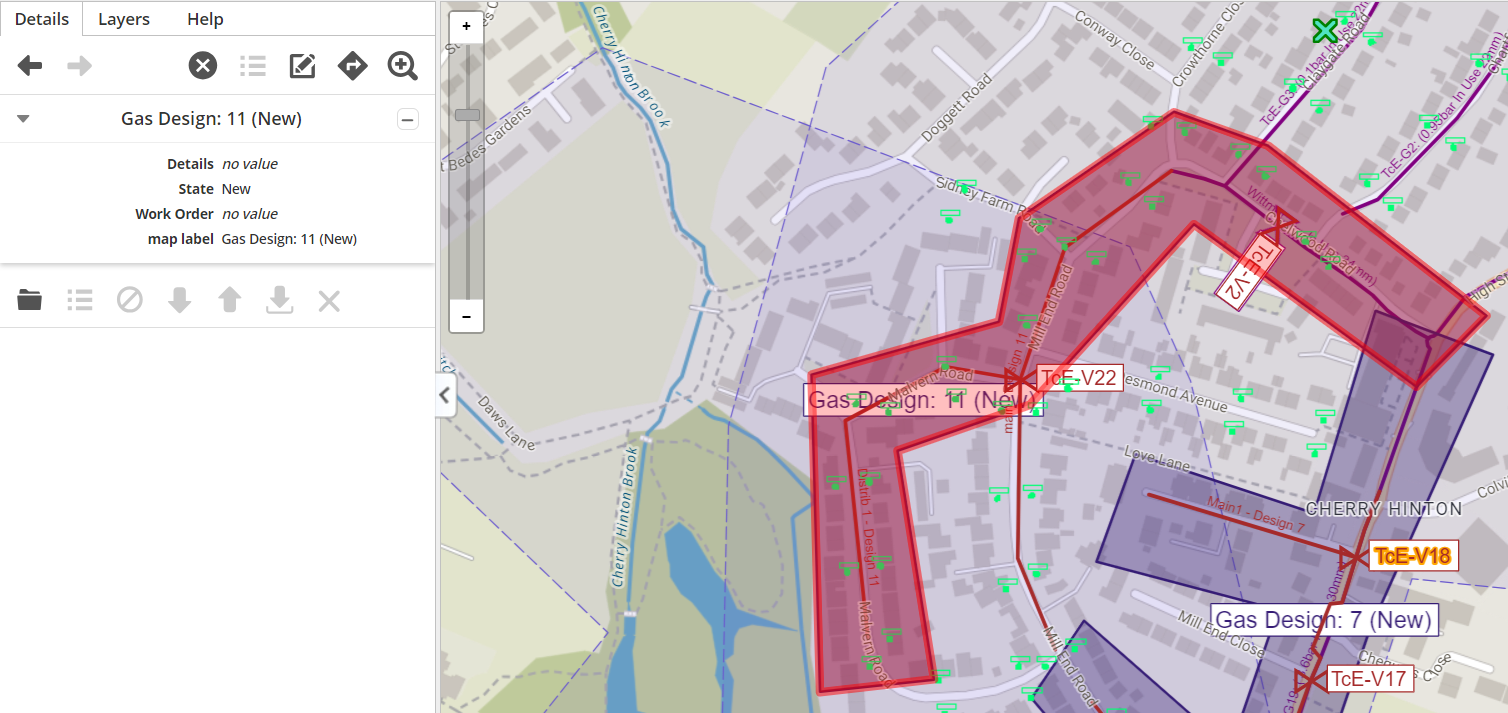
Figure: Design selected
-
Click the Open icon
 to open the design.
Now:
-
Click the Export icon
 . The following dialog is then displayed:
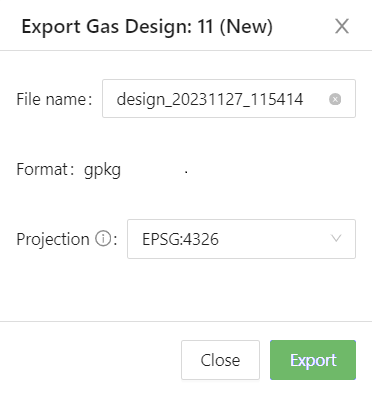
Figure: Export to CAD dialog
The following data items are shown:
-
A default name for the file is shown in the File name field, which incorporates the current date and time, but you can change this, if required.
-
The Format data item displays either one default file format that is supported by your application, or if multiple formats are supported, you can select the one required from a pick list.
-
The Projection data item displays a default co-ordinate system to use.
-
Click the Export button to export the file.
It is then sent to Downloads on your browser.
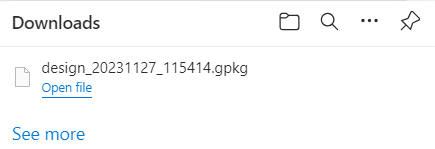
Figure: Downloads dialog
You can either open the file from the Downloads dialog or open the Downloads folder from the File Explorer on your PC and either open it from there, or copy and save it to another location on your PC.